
A City of Paris agent on the move opens their mobile browser to check their professional messages and encounters an error page. The problem is neither the password nor the network: the remote access authorization has never been activated on their IntraParis account. This scenario occurs regularly because the distinction between valid credentials and remote access authorization remains poorly understood.
Remote Access Authorization and IntraParis Account: Two Distinct Accesses
Having an IntraParis username and password is not enough to connect from the outside. Remote access requires specific authorization, activated by the IT department or the agent’s supervisor. Without this authorization, the portal nomades.apps.paris.fr will refuse the connection, even if the credentials work perfectly from an internal workstation.
In practice, one can check their status by contacting their department’s IT support. The activation request usually goes through an internal form or a ticket with the DSIN. The timelines vary by department, but as long as this step is not validated, any attempt to connect remotely will fail.
To better understand the connection steps to the portal, one can consult Les Clefs du Net online where the procedure is detailed.
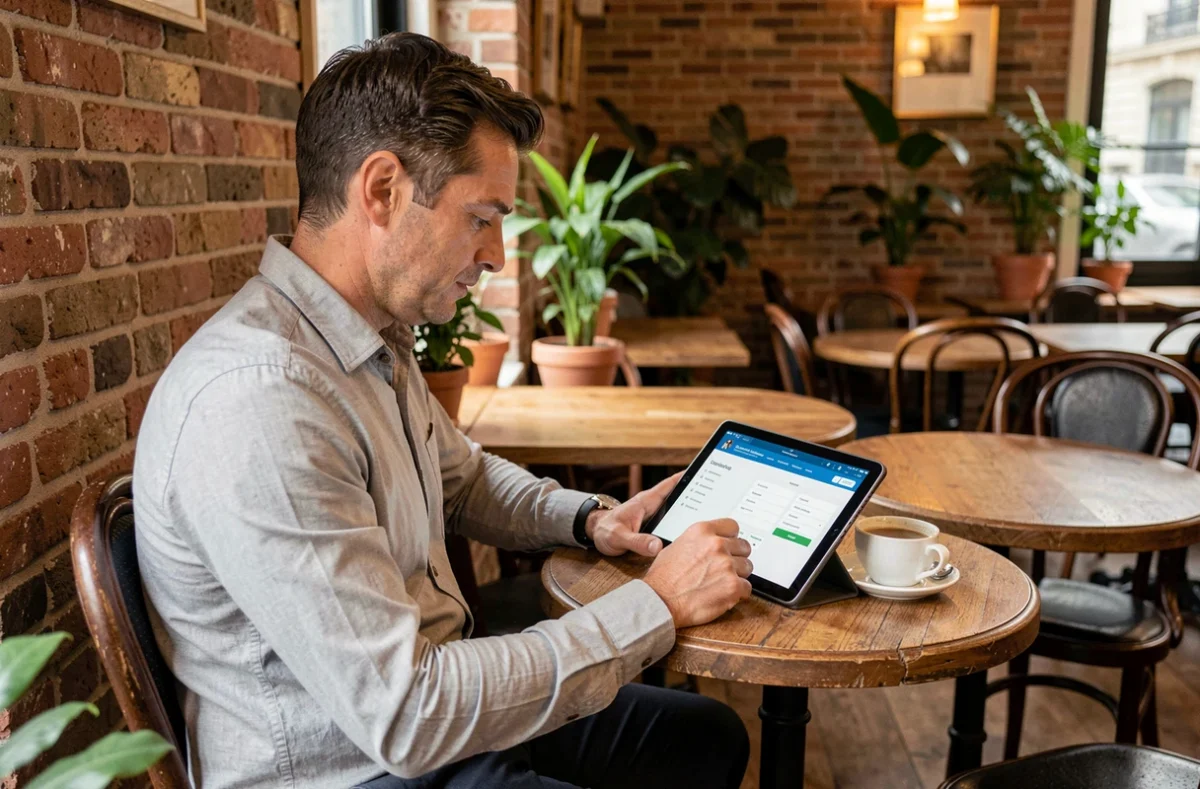
Connecting to IntraParis Nomade from a Personal Computer: Common Blockages
Once the authorization is obtained, connection issues from a personal computer rarely stem from the password. The browser is the primary cause of blockage, well before the credentials themselves.
Several technical elements can prevent the opening or maintenance of the session:
- Security extensions and ad blockers interfere with the authentication process of the remote portal. Temporarily disabling uBlock Origin, AdBlock, or Privacy Badger often resolves the issue.
- Cookie settings must allow third-party cookies for the domain apps.paris.fr. A browser configured in strict mode will block the session.
- Corrupted cache and session data cause connection loops. Clearing the browser cache before a new attempt is a reflex to adopt.
- JavaScript must be enabled. Some browsers or hardened browsing profiles disable it by default.
The Trap of Personal VPNs
Using a personal VPN to connect to the remote portal is a false good idea. A foreign IP address or an external encrypted tunnel can trigger a blockage on the server side, as the connection is then identified as suspicious. If one usually uses a VPN for browsing, it should be disabled before accessing nomades.apps.paris.fr.
Feedback on this point varies depending on VPN providers and the location of the chosen server, but the most reliable method remains to connect without any additional network intermediary.
Two-Factor Authentication on IntraParis: What Changes for Remote Access
A gradual rollout of two-factor authentication affects certain IntraParis accounts starting in 2024. In practice, this means that after entering the username and password, a second verification is requested: a temporary code, validation on an authentication app, or confirmation from another device.
Not all agents are affected yet. The transition occurs in waves, department by department. If one suddenly faces a code request when the connection was previously working, it is likely related to this migration and not a technical issue.
Preparing for the Transition
To avoid being blocked on the day two-factor authentication activates on their account, one can anticipate by checking with their IT support if an authentication app needs to be installed on their professional or personal phone. The City of Paris digital identity management portal (accessible via the “Forgot Password” link on the remote portal) also allows updating recovery contact information.
Logout and Security on a Shared Device
Closing the browser tab does not log out of the IntraParis Nomade session. Explicit logout via the dedicated button is the only reliable method, especially on a shared computer, in a coworking space, or on a family device.
Without a proper logout, the session may remain active for several minutes, or even longer if cookies persist. Anyone accessing the browser during this interval could theoretically view the agent’s messaging or IntraParis services.
Beyond the logout button, it is recommended to:
- Consistently use private browsing (incognito mode) on a device that is not yours. Upon closing the window, cookies and session data are deleted.
- Never save the IntraParis password in the browser’s password manager on a shared device.
- Check after logging out that returning to the portal URL displays the login page and not direct access to services.
The charter for the proper use of IT resources of the City and Department of Paris, mentioned on the remote access portal, reminds that any unauthorized attempt to access or remain in the system is punishable under articles 226-15 and 323-1 to 323-7 of the penal code. Securing one’s logout protects both the agent and the administration.
Access to IntraParis Nomade ultimately relies on three successive verifications: active authorization, a properly configured browser, and rigorous session hygiene. Addressing these three points covers the vast majority of blockage situations encountered by agents on the move.